60Hz vs 144Hz vs 240Hz Gaming: Which Refresh Rate is Right for You?
60Hz
Pros
- ✓Affordable and widely available
- ✓Lower hardware requirements
- ✓Good for casual gaming and everyday use
- ✓Less taxing on GPU
- ✓Suitable for slower-paced games
Cons
- ✗Noticeable motion blur in fast games
- ✗Higher input lag
- ✗Limited competitive advantage
- ✗Not future-proof
- ✗Less immersive gaming experience
144Hz
Pros
- ✓Significant improvement over 60Hz
- ✓Great value for most gamers
- ✓Good for competitive gaming
- ✓Compatible with mid-range GPUs
- ✓Wide variety of monitor options
Cons
- ✗Still noticeable input lag compared to 240Hz
- ✗Not optimal for professional esports
- ✗May require graphics settings adjustments
- ✗Some ghosting on certain panels
- ✗Price premium over 60Hz
60Hz vs 144Hz vs 240Hz Gaming: Which Refresh Rate is Right for You?
The monitor refresh rate has become one of the most critical specifications for gamers in recent years. As display technology has advanced, we've seen refresh rates climb from the standard 60Hz to 144Hz, 240Hz, and even beyond. But what do these numbers actually mean for your gaming experience, and is it worth upgrading?
Understanding Refresh Rates
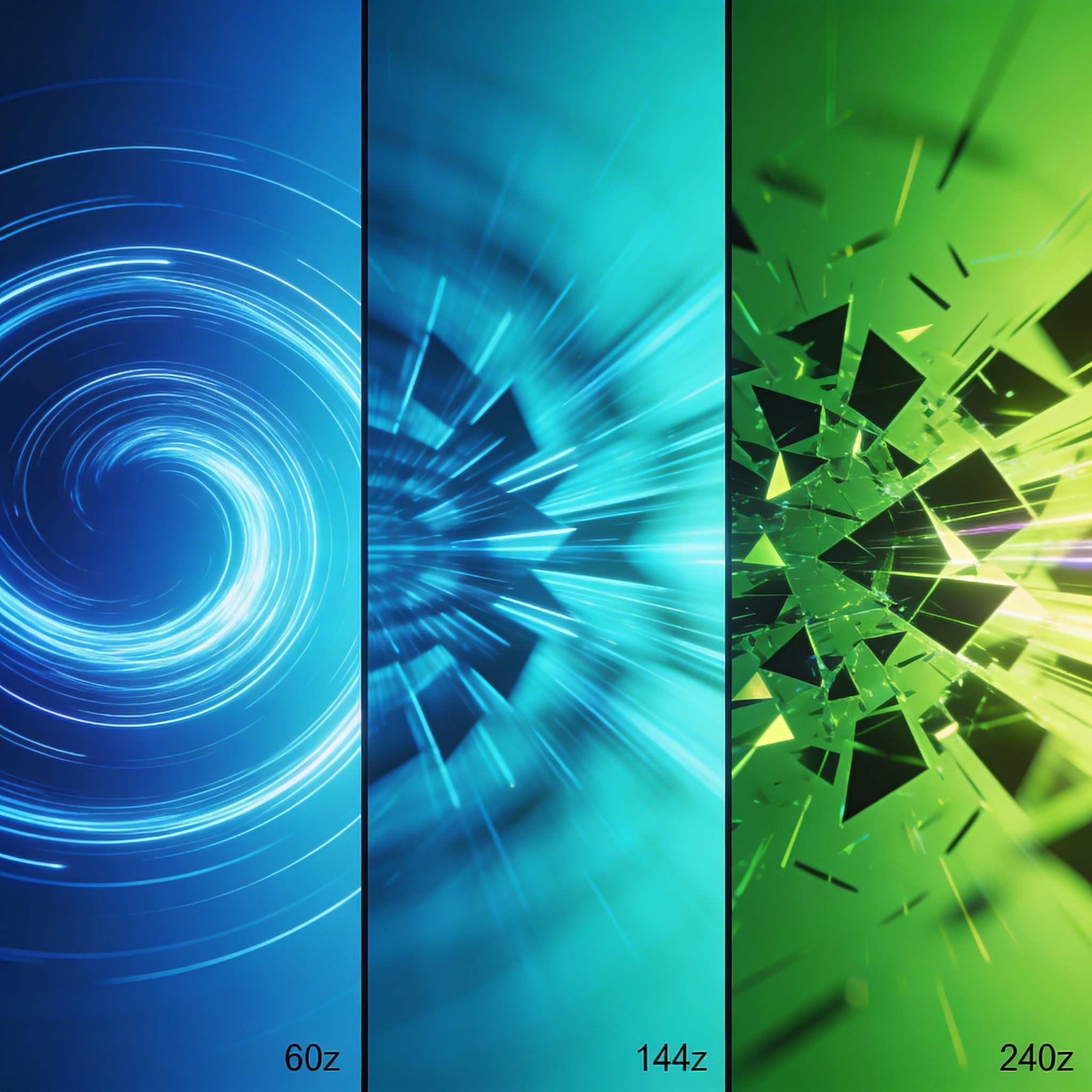
A monitor's refresh rate, measured in Hertz (Hz), tells you how many times per second the display updates with new information. A 60Hz monitor refreshes 60 times per second, while a 144Hz monitor refreshes 144 times per second, and so on.
This directly translates to how many frames per second (FPS) your monitor can display. If your graphics card is producing 144 FPS in a game, a 60Hz monitor can only show 60 of those frames, essentially wasting the extra performance your hardware is capable of delivering.
The 60Hz Standard: Still Relevant?
60Hz monitors remain the most common and affordable option. They're perfectly adequate for:
- Casual gaming
- Single-player story-driven games
- Strategy games and turn-based titles
- Office work and general use
- Watching movies and videos
For many gamers, especially those playing slower-paced games or on a tight budget, 60Hz is still perfectly serviceable. However, once you experience gaming at higher refresh rates, going back to 60Hz can feel sluggish and unresponsive.
The Sweet Spot: 144Hz Monitors
For most gamers, 144Hz represents the ideal balance of performance, price, and compatibility. The difference between 60Hz and 144Hz is immediately noticeable:
- Smoother motion: Fast-moving objects appear clearer and more defined
- Reduced motion blur: Less visual smearing during quick camera movements
- Lower input lag: Your actions register on screen faster
- More responsive feel: The entire gaming experience feels more immediate
The price gap between 60Hz and 144Hz monitors has narrowed significantly. You can now find quality 144Hz gaming monitors for around $200-300, making this upgrade accessible to most gamers.
The Esports Choice: 240Hz Monitors
240Hz monitors are designed for competitive gamers who need every possible advantage. The benefits include:
- Minimal input lag: The fastest response time available
- Maximum motion clarity: Crystal-clear images even during extreme motion
- Professional-grade performance: Standard for esports tournaments
- Future-proof investment: Will remain relevant for years
However, the law of diminishing returns applies here. The jump from 144Hz to 240Hz is less dramatic than the jump from 60Hz to 144Hz. Many gamers, especially casual players, struggle to perceive the difference.
Hardware Requirements Matter
Your monitor's refresh rate is only as good as your ability to drive it. Here's what you need:
For 60Hz: Any modern graphics card can handle this easily. Even integrated graphics can achieve 60 FPS in many games.
For 144Hz: You'll need a mid-range graphics card (like an RTX 3060 or RX 6600) to maintain 144 FPS in most modern games. This may require lowering some graphics settings.
For 240Hz: High-end hardware is essential. You'll want at least an RTX 4070 Super or RX 7800 XT to consistently hit 240 FPS, and even then you may need to compromise on visual quality.
Game Genre Considerations
Different types of games benefit from higher refresh rates in different ways:
First-Person Shooters (FPS): These games see the biggest benefit. Fast-paced shooters like Call of Duty, Apex Legends, and Valorant feel dramatically better at 144Hz or higher. You'll track enemies more easily and react faster.
Battle Royales: Games like Fortnite, PUBG, and Warzone benefit significantly from high refresh rates. The ability to spot enemies quickly and maintain visual clarity during intense firefights provides a competitive edge.
Racing Games: High refresh rates make motion appear smoother and more realistic. The improved clarity helps you judge distances and react to obstacles more effectively.
Sports Games: While less critical than shooters, sports games still feel more responsive and fluid at higher refresh rates.
RPGs and Story Games: These genres see minimal benefit from refresh rate improvements. The slower pace means motion blur and input lag are less noticeable.
Strategy Games: Turn-based and real-time strategy games don't require high refresh rates. The benefits are primarily aesthetic rather than functional.
Beyond Refresh Rate: Other Important Factors
Refresh rate isn't the only specification that matters for gaming monitors:
Response Time: Measured in milliseconds (ms), this indicates how quickly pixels can change color. Look for 1ms or lower for competitive gaming.
Panel Type:
- TN panels offer the fastest response times but inferior color accuracy
- IPS panels provide excellent colors and viewing angles but may have slightly slower response times
- VA panels offer good contrast ratios but can suffer from ghosting
Resolution: Higher resolutions look better but require more powerful hardware. 1080p is standard for high refresh rates, while 1440p and 4K are more demanding.
Adaptive Sync: Technologies like G-Sync and FreeSync help eliminate screen tearing and stuttering when your frame rate fluctuates.
Making the Right Choice
Choose 60Hz if:
- You're on a tight budget
- You primarily play single-player or slower games
- You're satisfied with your current gaming experience
- Your hardware can't maintain high frame rates
Choose 144Hz if:
- You want a significant upgrade without breaking the bank
- You play competitive games but aren't a professional
- You have mid-range hardware that can drive it
- You want the best value for your money
Choose 240Hz if:
- You're a competitive or professional gamer
- You have high-end hardware capable of driving it
- You want the absolute best performance available
- You're willing to invest in future-proof technology
The Bottom Line
The jump from 60Hz to 144Hz is transformative for most gamers. You'll immediately notice smoother gameplay, reduced motion blur, and more responsive controls. This upgrade provides the best value for most players.
240Hz is for enthusiasts and professionals who need every possible advantage. The improvement over 144Hz is real but less dramatic, and it comes at a significant premium.
Ultimately, the best refresh rate depends on your gaming style, hardware capabilities, and budget. Consider what games you play most often, what your current setup can handle, and how much you're willing to invest in your gaming experience.
Remember that refresh rate is just one piece of the puzzle. A well-rounded gaming setup considers monitor quality, hardware performance, and personal preferences to create the optimal experience for your specific needs.
Feature Comparison
| Feature | 60Hz | 144Hz |
|---|---|---|
| Refresh Rate | 60Hz | 144Hz |
| Images Per Second | 60 | 144 |
| Input Lag | Highest | Medium |
| Price Range | $100-300 | $200-500 |
| GPU Requirements | Low-Mid range | Mid-High range |
| Best For | Casual gaming | Most gamers |
| Motion Clarity | Lowest | High |
| Competitive Edge | Minimal | Significant |
Verdict
Final Verdict: 144Hz is the Smart Choice for Most Gamers
After analyzing all aspects of refresh rate technology, 144Hz emerges as the clear winner for the majority of gamers. Here's why:
The Value Proposition: The price difference between 60Hz and 144Hz monitors has shrunk dramatically, while the performance improvement is substantial. You're getting more than double the refresh rate for a relatively modest price increase.
The Performance Sweet Spot: 144Hz strikes the perfect balance between what your hardware can reasonably achieve and what provides a noticeable improvement in gameplay. Most mid-range graphics cards can maintain 144 FPS in many games, making this refresh rate achievable without requiring top-tier hardware.
The Competitive Edge: For competitive gamers, 144Hz provides a significant advantage over 60Hz without the diminishing returns and high costs associated with 240Hz. You'll see enemies more clearly, react faster, and enjoy a more responsive gaming experience.
The Future-Proof Factor: As hardware continues to improve and games become more optimized, 144Hz will remain relevant for years to come. It's not so high that you'll need to constantly upgrade your GPU, but it's high enough that you'll continue to benefit from improvements in gaming technology.
The Versatility: 144Hz monitors work excellently for both competitive and casual gaming. You can enjoy fast-paced shooters at their best while still having an amazing experience with story-driven single-player games.
While 60Hz remains viable for budget-conscious gamers and 240Hz is essential for professional esports, 144Hz offers the best combination of performance, price, and practicality for most gamers. It's the upgrade that delivers the most noticeable improvement for your investment, making it the smart choice for anyone looking to enhance their gaming experience.
Last updated: March 12, 2026